
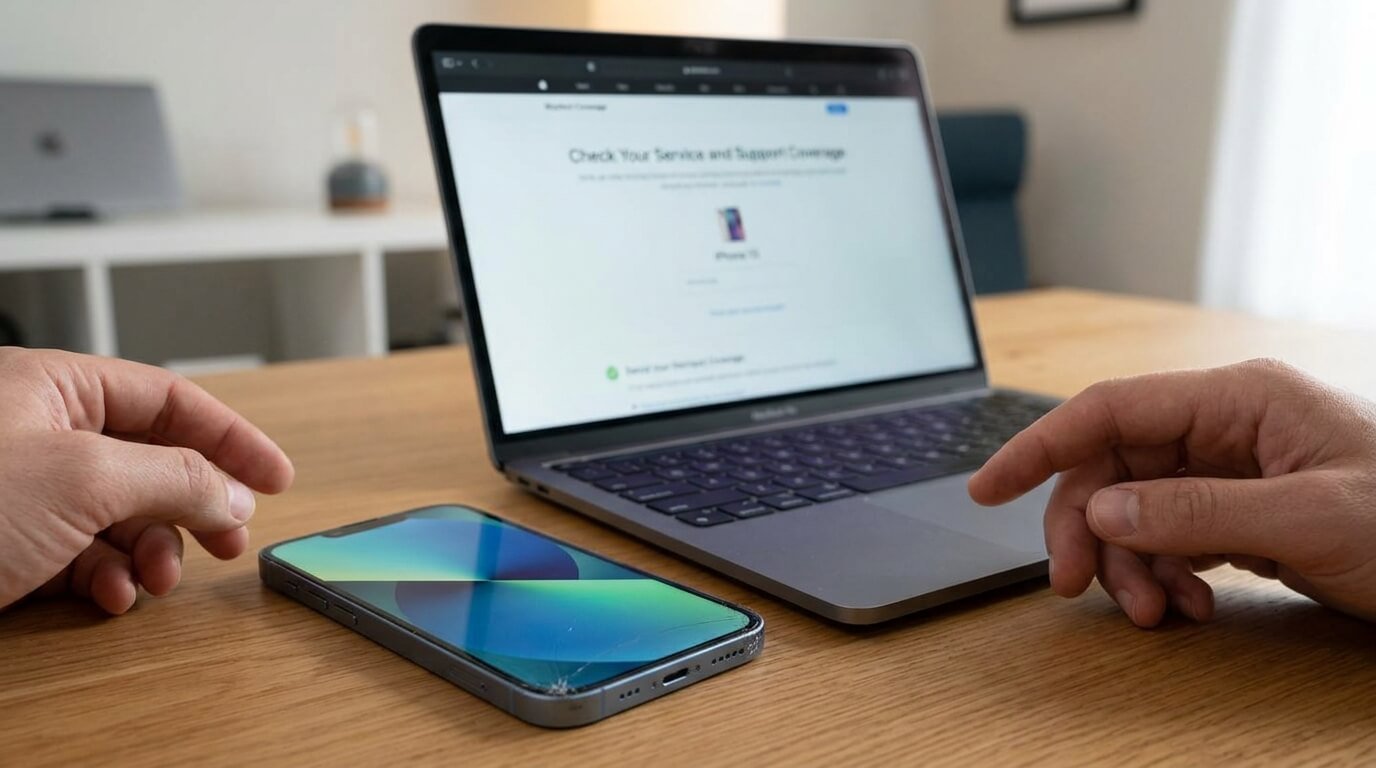
Buying an iPhone is a big investment, and many users worry about repair costs when problems appear unexpectedly. A damaged screen, battery issue, or hardware fault can become expensive if the device is no longer under warranty. The good news is that the iphone check coverage tool helps users quickly confirm Apple warranty status, repair eligibility, and AppleCare protection within minutes. By checking your device coverage regularly, you can avoid unnecessary repair expenses and understand exactly what support Apple offers for your iPhone.
What Is Apple Warranty Coverage?
Apple provides a limited warranty with every new iPhone. This warranty protects users against manufacturing defects and certain hardware issues for a limited time after purchase.
The standard warranty usually includes:
- Hardware repair coverage
- Technical support
- Manufacturing defect protection
- Software assistance
However, accidental damage and unauthorized repairs are generally not covered under the basic warranty plan.
Apple also offers extended protection plans through AppleCare+, which provides additional repair and service benefits for eligible devices.
Understanding the Importance of Warranty Verification
Many users never check their warranty status until their device develops a serious issue. This often creates confusion during repairs because they are unsure whether Apple will cover the damage.
Using the iphone check coverage system helps users:
- Confirm repair eligibility
- Verify AppleCare status
- Check technical support access
- Avoid unexpected repair costs
- Validate used iPhones before buying
Warranty verification is especially important for people purchasing second-hand devices online or from local sellers.
How to Find the Serial Number on Your iPhone
Before checking warranty information, users need their iPhone serial number. Apple uses this unique identifier to track support eligibility and repair coverage.
Open Settings
The easiest method is through the device settings.
- Open Settings
- Tap General
- Select About
- Scroll to the Serial Number section
Check the Original Packaging
The serial number is printed on the iPhone box label.
Use Finder or iTunes
Users connecting their iPhone to a computer can also locate the serial number through Finder or iTunes.
Apple ID Device List
The Apple ID account page also displays registered devices and serial numbers.
Keeping this number safe helps users access support services quickly.
Step-by-Step Guide to Check Apple Warranty
The warranty checking process is simple and takes only a few minutes.
Visit Apple’s Official Coverage Page
Users should always use Apple’s official coverage website for accurate results.
Enter the Serial Number
Carefully type the serial number into the search field.
Complete Security Verification
Apple may request CAPTCHA verification to confirm secure access.
View Device Coverage Details
The results page usually displays:
- Purchase validation
- Repair and service coverage
- Technical support eligibility
- AppleCare status
The iphone check coverage process instantly confirms whether your device still qualifies for support.
What Apple Warranty Covers
Apple’s standard warranty mainly focuses on manufacturing and hardware-related issues.
Covered Problems
Typical covered issues include:
- Hardware malfunctions
- Factory defects
- Software support problems
- Internal component failures
Non-Covered Problems
The warranty generally does not cover:
- Water damage
- Accidental drops
- Cosmetic scratches
- Damage from unauthorized repairs
- Misuse or neglect
Understanding these limits helps users avoid confusion during service requests.
What Is AppleCare+?
AppleCare+ is Apple’s premium protection plan designed to extend repair and support coverage beyond the standard warranty period.
Benefits of AppleCare+
AppleCare+ may include:
- Extended hardware coverage
- Battery service
- Accidental damage protection
- Priority technical support
This protection plan is popular among users who want extra peace of mind for expensive devices.
Why AppleCare+ Can Be Helpful
Modern iPhone repairs are often expensive. Display replacements, battery repairs, and camera damage can cost a significant amount without protection.
AppleCare+ reduces repair costs and gives users easier access to official support services.
For people who frequently travel or use their phones heavily, extended protection may provide long-term savings.
Checking Coverage Before Buying a Used iPhone
Buying a used iPhone can sometimes be risky because counterfeit devices and hidden issues are common in the second-hand market.
The iphone check coverage tool helps buyers confirm:
- Device authenticity
- Remaining warranty period
- AppleCare eligibility
- Repair support status
If the serial number does not appear in Apple’s system, buyers should be cautious before making a purchase.
Common Coverage Status Messages Explained
Users may see different warranty messages while checking device coverage.
Active Coverage
This means the device still qualifies for repairs or technical support.
Expired Coverage
The warranty period has ended, and repairs may require payment.
Invalid Purchase Date
Apple cannot verify the original purchase date. Users may need to provide proof of purchase.
Telephone Support Expired
Free technical phone support is no longer available.
Learning these terms helps users understand their device status clearly.
Difference Between Standard Warranty and AppleCare+
Many users confuse Apple’s limited warranty with AppleCare+ protection.
| Feature | Standard Warranty | AppleCare+ |
| Included with iPhone | Yes | No |
| Manufacturing defect coverage | Yes | Yes |
| Accidental damage protection | No | Yes |
| Extended coverage period | No | Yes |
| Priority support access | Limited | Yes |
This comparison helps users choose the best protection option based on their needs.
Why Users Should Avoid Unauthorized Repairs
Unauthorized repairs may damage the device further and sometimes void Apple warranty protection.
Using official Apple repair services provides several benefits:
- Genuine replacement parts
- Certified technicians
- Safer repair process
- Warranty protection
Third-party repair shops may use low-quality parts that reduce device performance.
Tips to Protect Your iPhone Warranty
Protecting your device helps maintain warranty eligibility and reduces repair risks.
Use a Protective Case
A quality case reduces damage from accidental drops.
Avoid Water Exposure
Even water-resistant devices can still suffer liquid damage over time.
Use Certified Accessories
Non-certified chargers and cables may affect battery performance and device safety.
Keep Purchase Records
Receipts and invoices may help verify ownership during warranty claims.
Common Problems Users Face During Warranty Checks
Sometimes users encounter issues while verifying warranty information.
Invalid Serial Number
This usually happens because:
- The serial number was entered incorrectly
- The device may be counterfeit
- The number is damaged or incomplete
Coverage Information Not Showing
This can occur shortly after purchasing a new device because Apple’s system may need time to update.
Website Access Problems
Temporary internet issues or Apple server maintenance may prevent access.
In most cases, trying again later solves the problem.
Benefits of Using Official Apple Support
Apple offers several support services beyond warranty repairs.
Apple Support App
The official Apple Support app allows users to:
- Schedule repairs
- Contact support agents
- Run diagnostics
- Track service requests
Apple Authorized Service Providers
Certified service providers use official parts and approved repair methods.
Online Troubleshooting
Apple’s website provides detailed troubleshooting guides for common issues.
Battery Coverage and Replacement Policies
Battery health is one of the most common concerns among iPhone users.
Apple may replace batteries under warranty if they fail due to manufacturing problems.
AppleCare+ may also cover battery service if battery capacity drops below Apple’s required performance standards.
Users can check battery health through:
- Settings
- Battery
- Battery Health & Charging
Monitoring battery condition helps users avoid sudden performance issues.
How Apple’s Warranty System Has Improved
Apple’s warranty system has evolved significantly over the years.
Earlier support systems required paper receipts and in-store verification. Today, users can instantly verify repair eligibility online using the iphone check coverage feature.
Modern improvements include:
- Digital warranty tracking
- Faster repair scheduling
- Online support systems
- Apple ID integration
- Remote diagnostics
These upgrades make customer support faster and more convenient.
Important Safety Tips During Online Warranty Checks
Users should always protect their personal information while checking warranty details online.
Use Only Official Apple Websites
Avoid fake warranty-checking websites that may collect sensitive data.
Never Share Serial Numbers Publicly
Scammers may misuse device information.
Protect Your Apple ID
Use strong passwords and two-factor authentication for better account security.
Online safety is important when managing any digital device information.
Best Time to Verify Warranty Status
Experts recommend checking coverage during these situations:
- After purchasing a new iPhone
- Before buying a used device
- Before scheduling repairs
- Near warranty expiration dates
- After activating AppleCare+
Regular verification helps users stay prepared for future repair needs.
Frequently Asked Questions
Is Apple Warranty Free?
Yes, every new iPhone includes a standard limited warranty.
Can I Extend My Warranty Later?
Eligible devices may qualify for AppleCare+ within a limited purchase period.
Does Warranty Cover Screen Damage?
Standard warranty usually does not cover accidental screen damage.
Can Apple Refuse Warranty Service?
Yes, Apple may deny service for unauthorized modifications or accidental damage.
Is AppleCare+ Worth Buying?
For users concerned about repair costs, AppleCare+ may provide valuable protection.
Conclusion
The iphone check coverage tool is one of the easiest ways to verify Apple warranty status, technical support eligibility, and repair coverage in just a few minutes. Whether you own a brand-new iPhone or are planning to purchase a second-hand device, checking warranty information helps you make smarter decisions and avoid unexpected repair expenses.
Understanding Apple warranties, AppleCare+, repair policies, and support options gives users better control over their device protection. As smartphone repair costs continue rising, regularly using the iphone check coverage system has become an important step for responsible iPhone ownership.